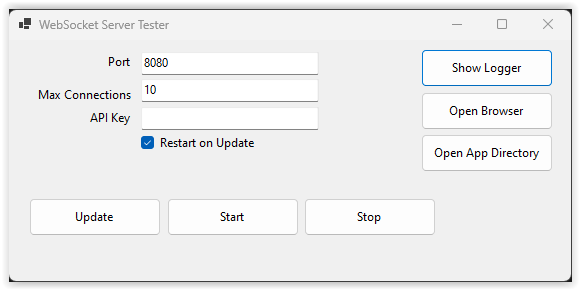
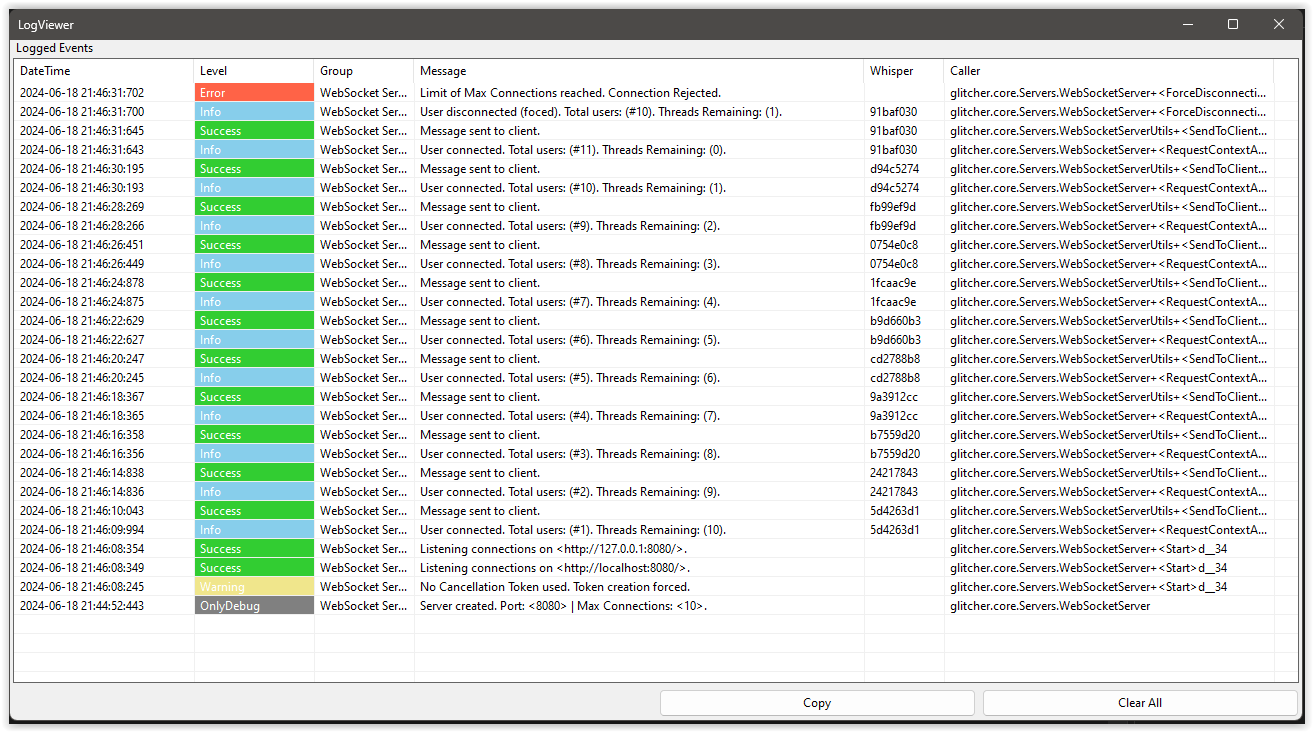
This application is to test a simple websocket server class for bigger projects. The class allow to define custom commands (inside of project) and maximum number of connections.
Use:
- Copy all the content of the folder Classes in your project.
- Add the next references of namespaces in your project:
using glitcher.core;
using Servers = glitcher.core.Servers;- To start a server create an object of the class and call the method start:
Servers.WebSocketServer wsServer = new Servers.WebSocketServer();
wsServer.Start();- Is also possible to put server settings from object creation:
int port = 8080;
int maxConnections = 10;
string APIKey = "abcdef123456";
bool autostart = false;

Servers.WebSocketServer wsServer = new Servers.WebSocketServer(port, maxConnections, APIKey, autostart);
wsServer.Start();- Is also possible to restart the server with new settings:
int port = 8080;
int maxConnections = 10;
string APIKey = "abcdef123456";
bool restartOnUpdate = true;

wsServer.Update(port, maxConnections, APIKey, restartOnUpdate);