#android virtual camera
- Virtual camera based on Xposed
QQ group for unmanned live broadcast communication (only for communication with unmanned live broadcast): [Click to join](http://qm.qq.com/cgi-bin/qm/qr?_wv=1027&k=BabJDep1FE-8XnN7LmMnc1ClF7DQmRTf&authKey=d2kwinRCSg10MbJ%2BO %2FgwcIkgivePn4K1pr0C4yo5eDDQ3A1wTR5nutWc4A3%2BiZt4&noverify=0&group_code=853735619)
To purchase live streaming software, please go to https://vcamx.com to purchase
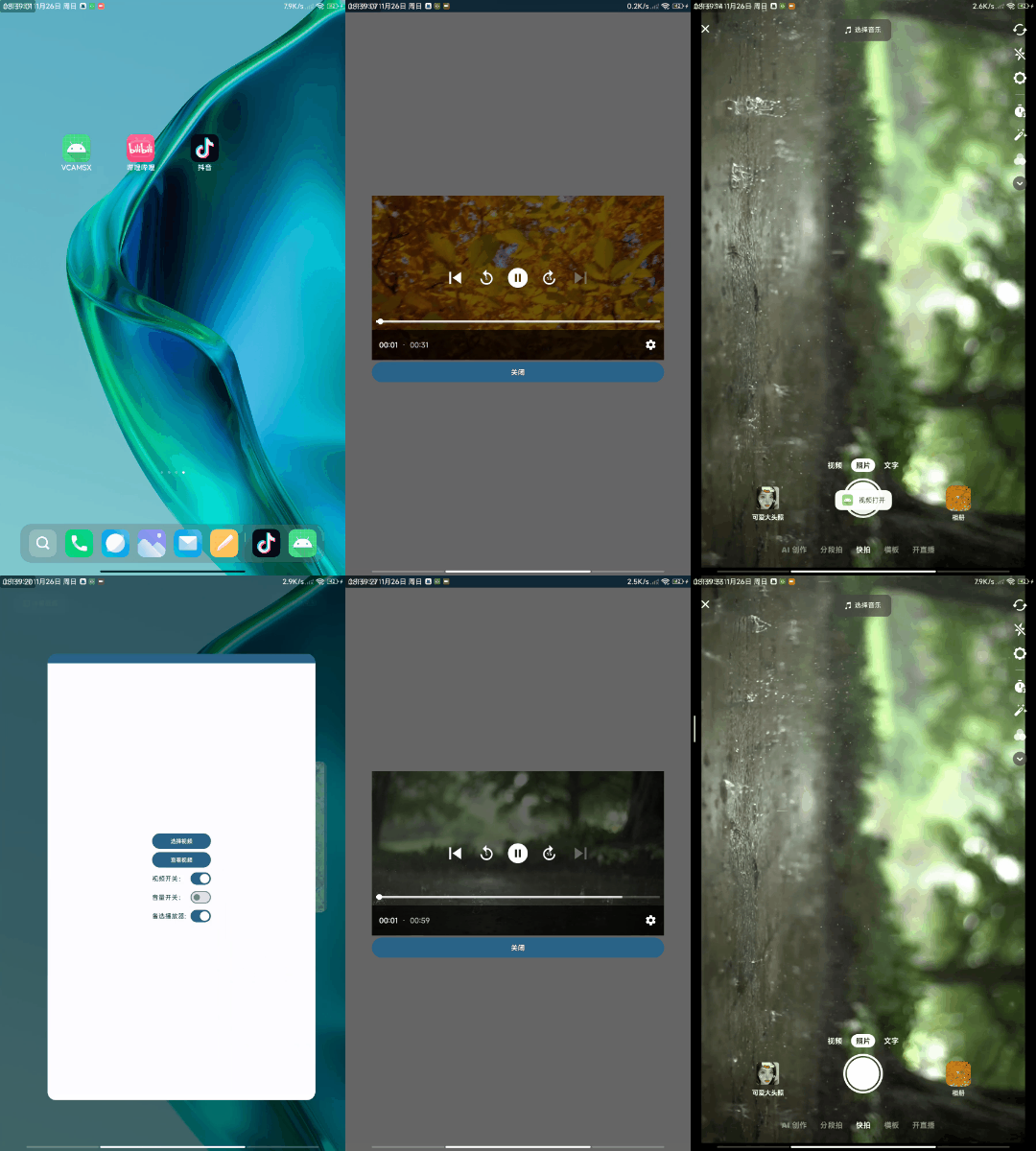
- Support rtmp live broadcast transmission to improve stability
- Supports video selection in advance and customized playback order
- Android SDK 34
- Xposed 82
- xiaomi 9 MIUI 11.0.3
- xiaomi 8 MIUI 11.0.3
- Redim K40 MUI 14.0.7
- Cube 50pro MIUI 14.0.5
- Lsposed lastest
- Select the playback platform you want in Lsposed
- Select the video you want to play in the software
- Turn on the video switch
- Then select the platform to play
- Support video replacement
- Support RTMP live broadcast replacement, unstable
- Video playback needs to be in the same format as the platform. It basically supports 9:16 videos, for example: 3840x2160, 1920x1080, 1280x720, 854x480, 640x360, 426x240, 256x144
- The screen is black and the camera fails to start because there is a problem with video decoding. Please click multiple times to flip the camera.
- The picture is flipped and does not match the original video. The current video playback has not been adjusted. Please adjust the video manually.
- Different software has different requirements for hard decoding and soft decoding. If there is only sound but no picture multiple times, please switch the video decoding method.
- Hard decoding is smoother than soft decoding. Please judge whether it supports hard decoding according to your mobile phone model. Soft decoding has higher adaptability and basically supports playback of videos.
- Feedback in issues. If it is a BUG feedback, please attach the Xposed module log information.
- Provide hook code: https://github.com/Xposed-Modules-Repo/com.example.vcam