DockAMP is a macOS app to manage webserver/PHP/database-containers in Docker. Version 1.0 – developed by Kevin Tobler 🌐 www.kevintobler.ch
- 1.0
- First Release
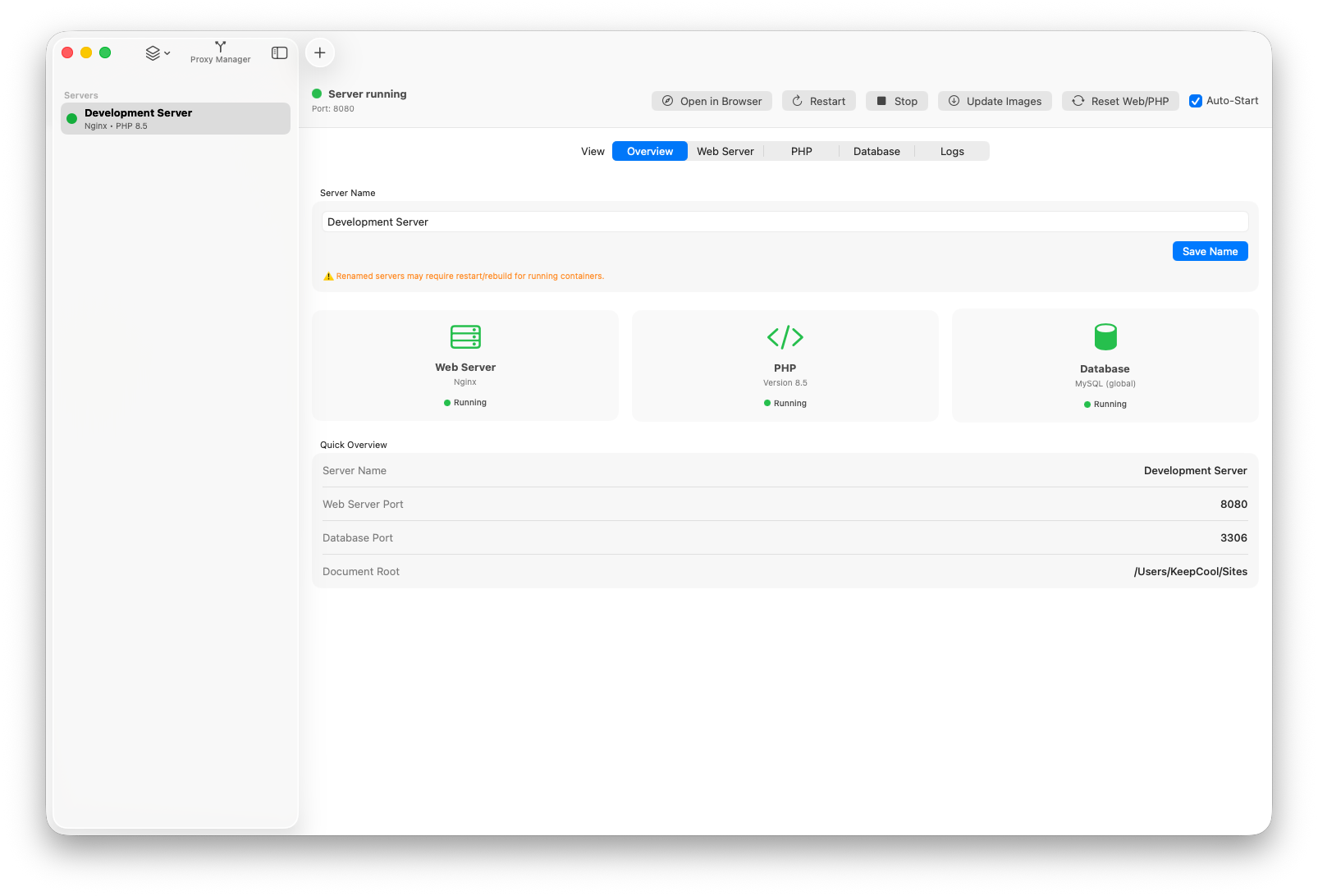
- Docker-based web stack manager for macOS
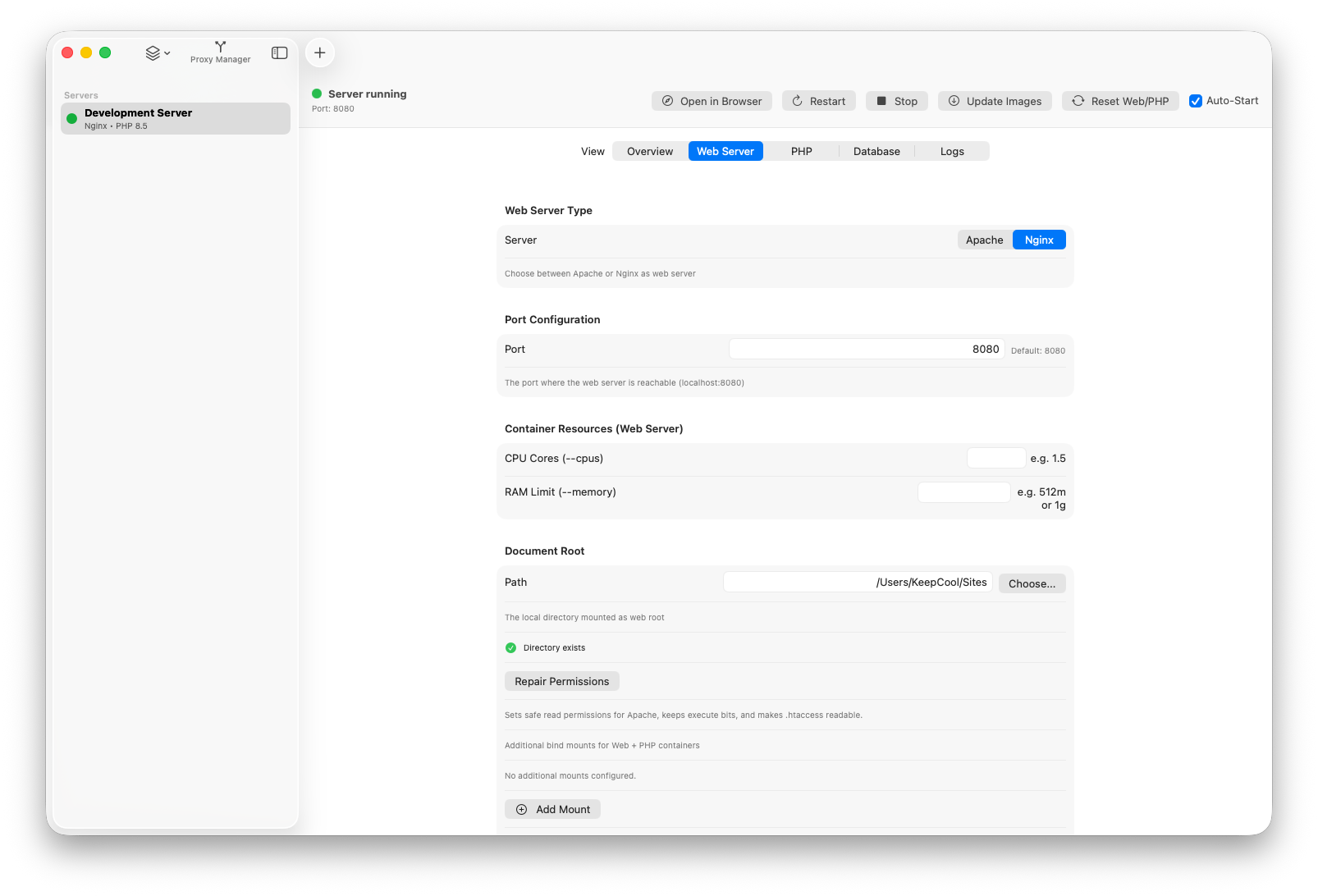
- Apache or Nginx per server with configurable ports and document root
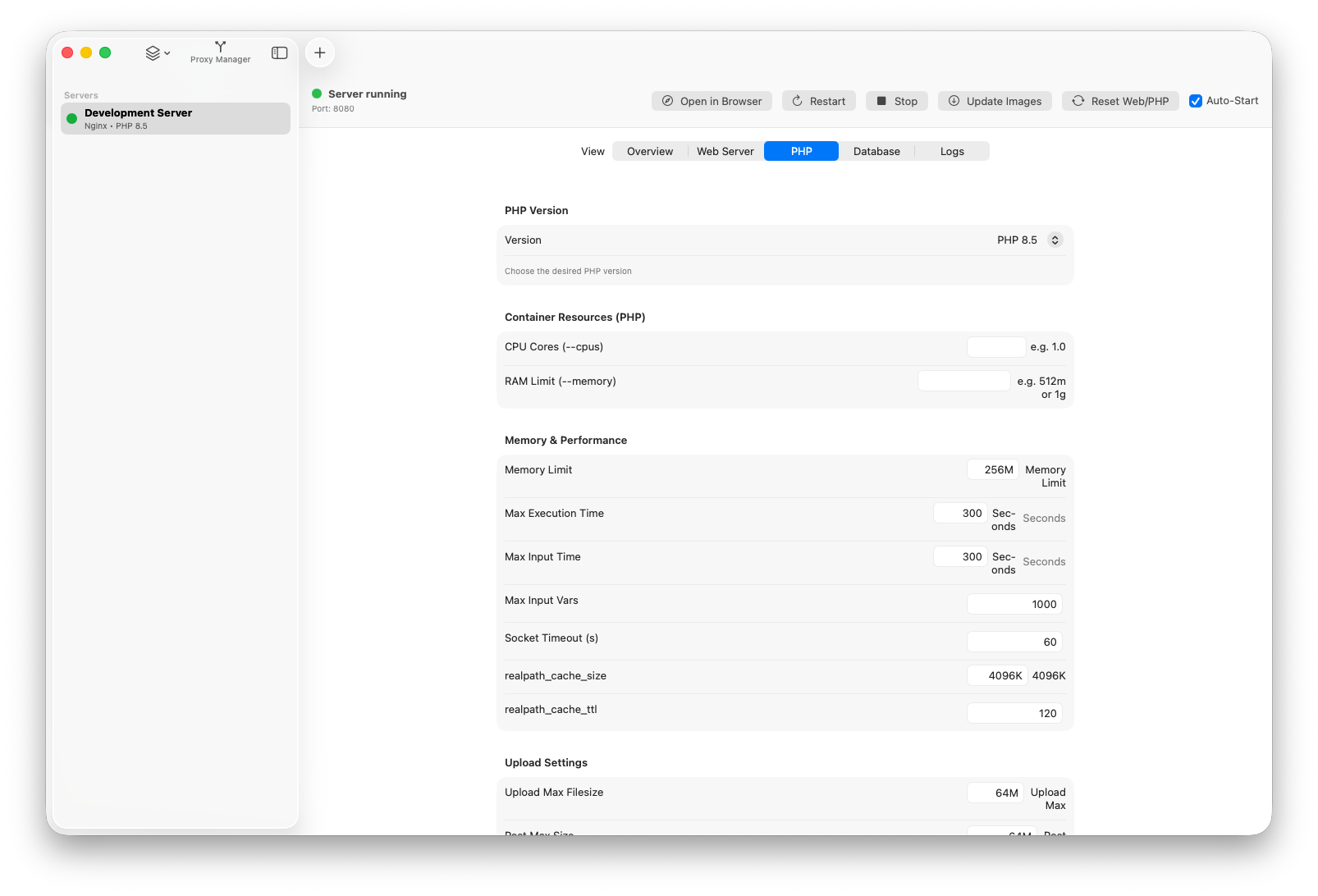
- Dynamic PHP version selection and advanced PHP settings
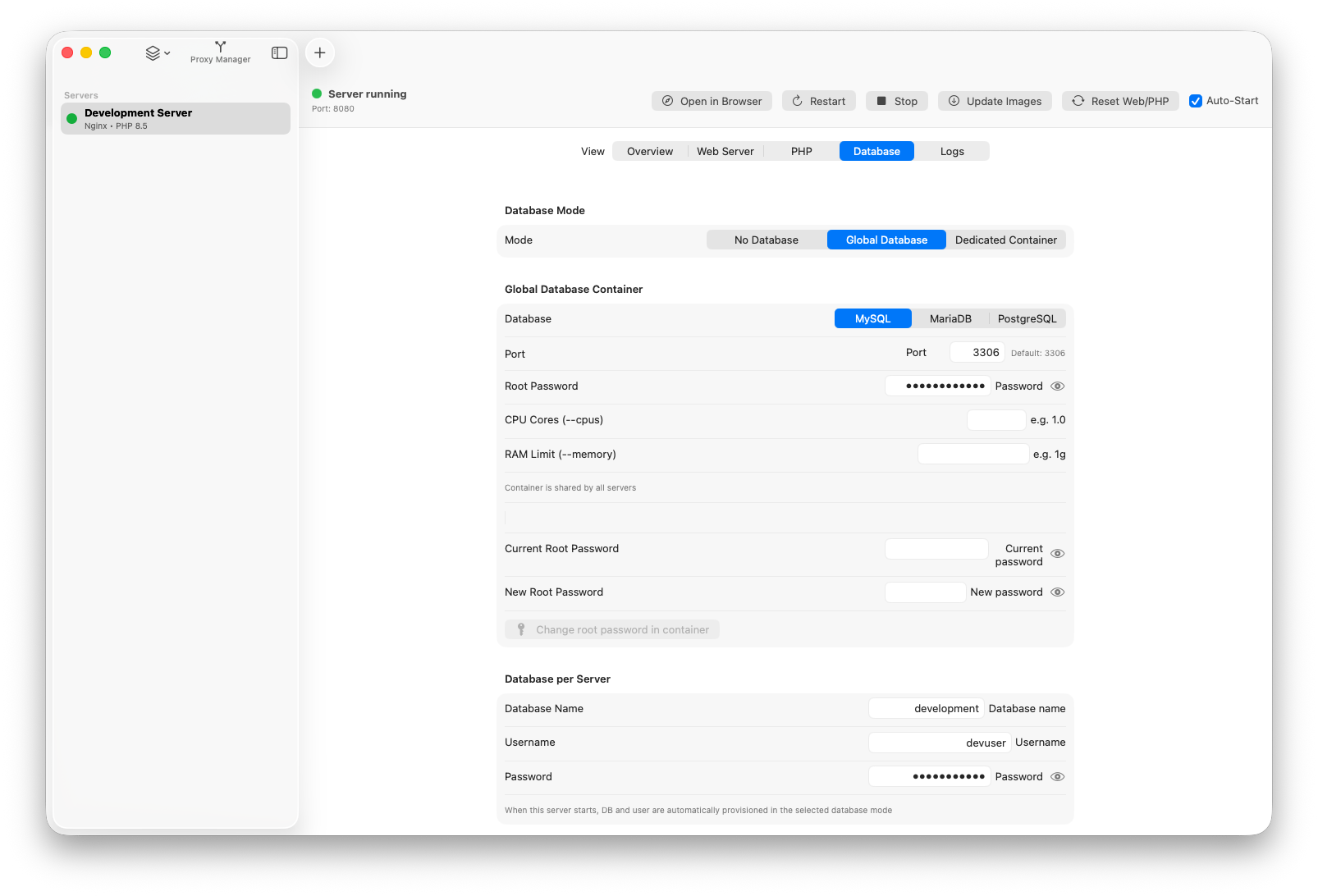
- Database modes: none, global shared database, dedicated per-server database
- Server lifecycle controls: start, stop, restart, update images, reset Web/PHP
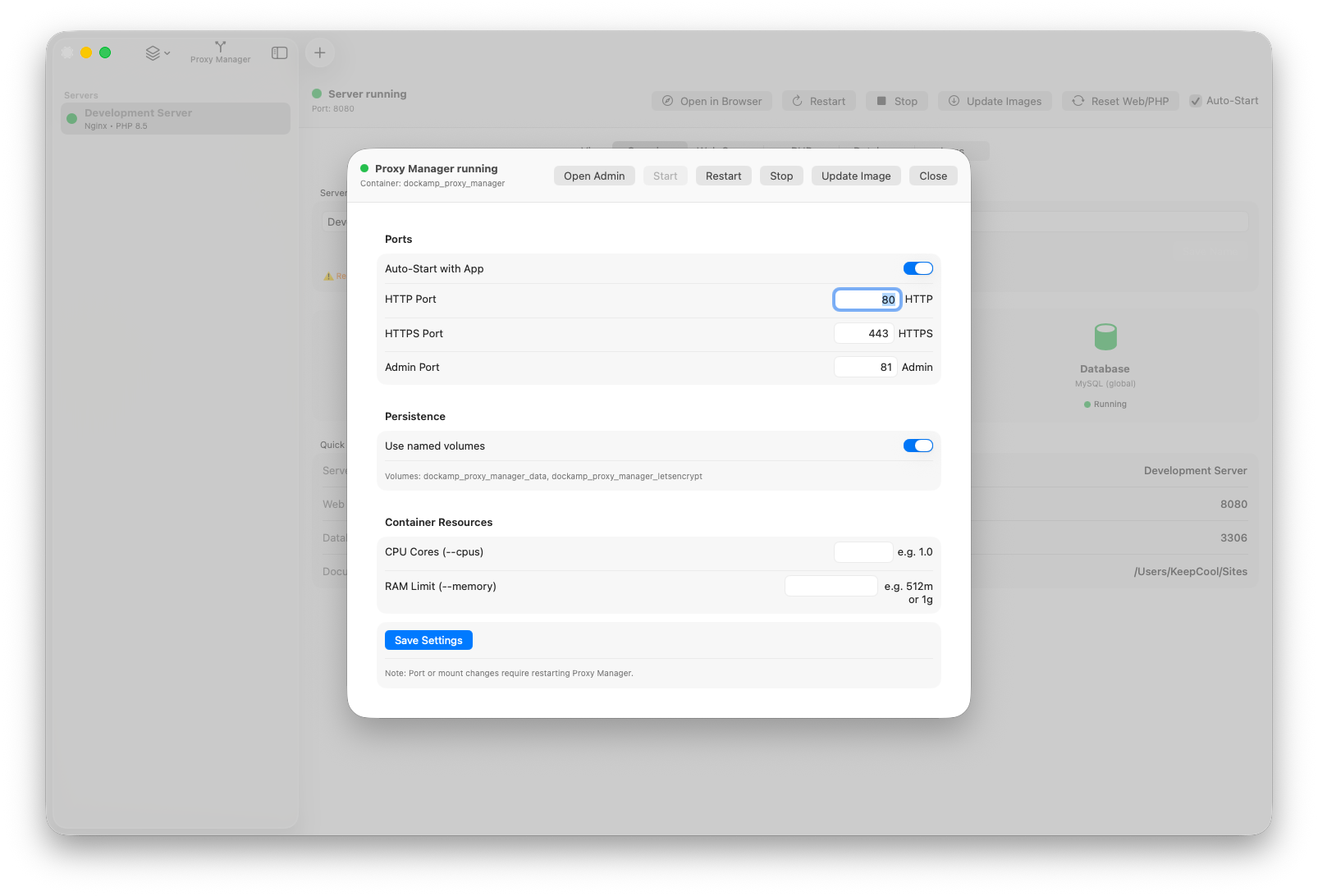
- Proxy Manager integration (start/stop/restart, image update, auto-start)
- Menu bar integration with server status list and bulk actions
- Quick database actions (Sequel Pro/Ace, phpMyAdmin)
- Persistent per-server and database configuration files in
~/Documents/DockAMP/
- Apache or Nginx per server
- Dynamic PHP version list from Docker Hub (with local fallback)
- Database support: MySQL, MariaDB, PostgreSQL
- Per-server start, stop, restart
- Global actions: start/restart/stop all servers
- Server auto-start on app launch
- Right-click server actions: duplicate and delete
- Automatic next free port assignment for new/duplicated servers
- No database
- Global shared database container
- Dedicated database container per server
- Automatic DB/user provisioning for enabled database mode
- Optional auto-stop of global DB when no global server is still active
- Dedicated DB container stops with its server
- Built-in Nginx Proxy Manager integration
- Start / Stop / Restart
- Update proxy manager image
- Auto-start with app option
- HTTP/HTTPS/Admin ports configurable
- Named volumes or host-path persistence
- Extensive PHP settings (performance, errors, sessions, OPcache, directives)
- Optional extension/tool toggles with custom PHP runtime image build
- Web server settings for Apache and Nginx
- Update images for the current server stack
- Reset Web/PHP containers from image defaults
- Additional bind mounts (with add/remove rows and read-only toggle)
- Menu bar app with server list and status dots
- Menu bar actions: open app, start/restart/stop all, quit
- Main window only in Dock when visible; menu bar mode when closed
- Live activity indicator for long-running actions
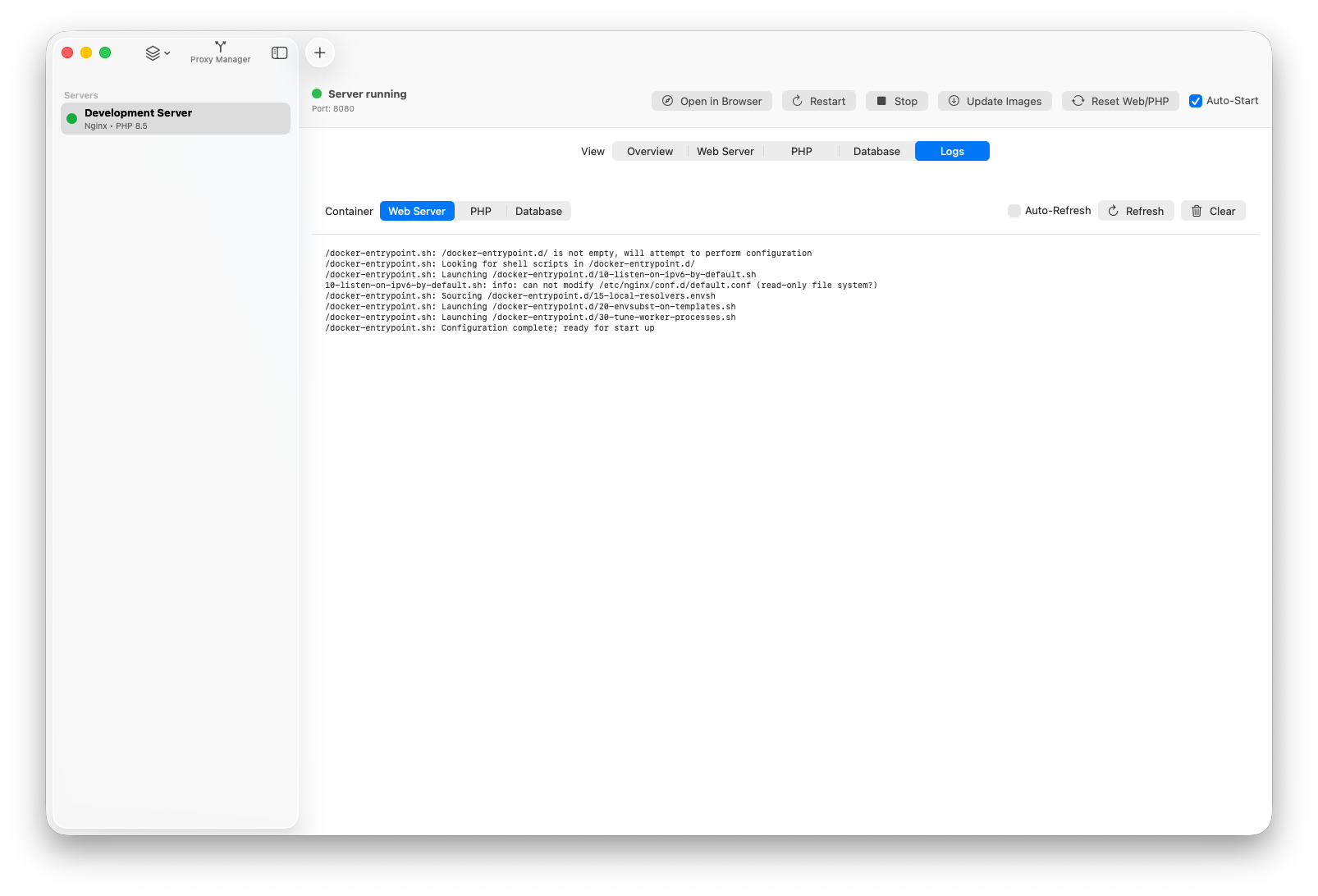
- Container logs for web, PHP, database
- Quick DB actions:
- Open in Sequel Pro/Ace
- Open in phpMyAdmin (starts container automatically)
- phpMyAdmin auto-stops when no database container is running
- macOS 14.6 Sonoma or newer
- Docker Desktop or OrbStack (OrbStack recommended for faster network speed)
- Install Docker Desktop or OrbStack (OrbStack recommended for faster network speed).
- Open DockAMP.app
- Open DockAMP.app
- Click
+(or useFile -> New Server...) - Configure server name, web server, PHP version, ports, and document root
- Choose database mode (
No Database,Global Database,Dedicated Container) - Save/create
- Use
Start,Stop,Restartin the server detail header - Use
Update Imagesto pull latest images for the selected stack - Use
Reset Web/PHPto recreate only web and PHP containers from image defaults
For DB tools use:
- Host:
host.docker.internal - Port: shown in the Database tab
- Database/user/password: from server database settings
Inside containers, service names/network aliases are used automatically by DockAMP runtime config.
DockAMP stores configuration JSON files under ~/Documents/DockAMP/:
servers/<server-id>.json(server settings)databases/global_database.json(global DB settings + shared entries)databases/<server-id>.json(dedicated DB server entries)- Proxy Manager settings in the DockAMP app directory (managed by
ProxyManagerStore)
- Credentials are stored in JSON config files
- Custom PHP runtime images are tagged and reused by signature
- On server removal, related containers/resources are cleaned up (including dedicated DB containers)
Kevin Tobler
🌐 www.kevintobler.ch
This project is licensed under the MIT License – feel free to use, modify, and distribute.