
Important
The pip install bridgex command is only supported on Windows and macOS. Linux users should use the SourceForge binary at https://sourceforge.net/projects/bridgex/ instead.





Bridgex is an open‑source desktop application for converting files to Markdown, built in Rust with Freya and the Markitdown crate. It provides a lightweight graphical interface for editing converted Markdown content and saving it locally.
This repository maintains Rust packaging for crates.io, and also keeps Python packaging metadata so a compatible distribution can be published to pypi.org for interoperability.
- Native Rust desktop app with Freya UI.
- Cross‑platform support for Windows, macOS, and Linux.
- Efficient file‑to‑Markdown conversion.
- Lightweight editing before saving.
- Modular architecture for future extensions.
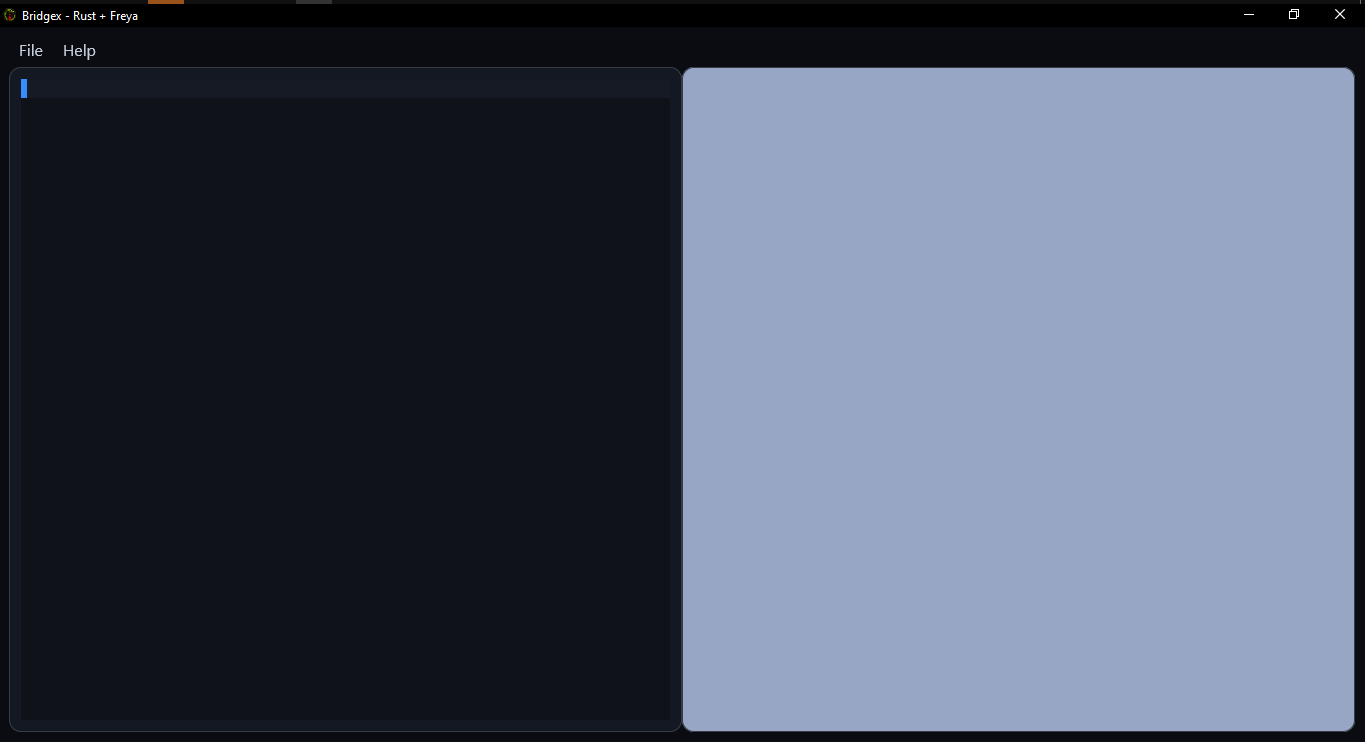
View interface previews
| Name | Preview |
|---|---|
| Main Screen | |
| LLM Config |  |
| Markdown Render | 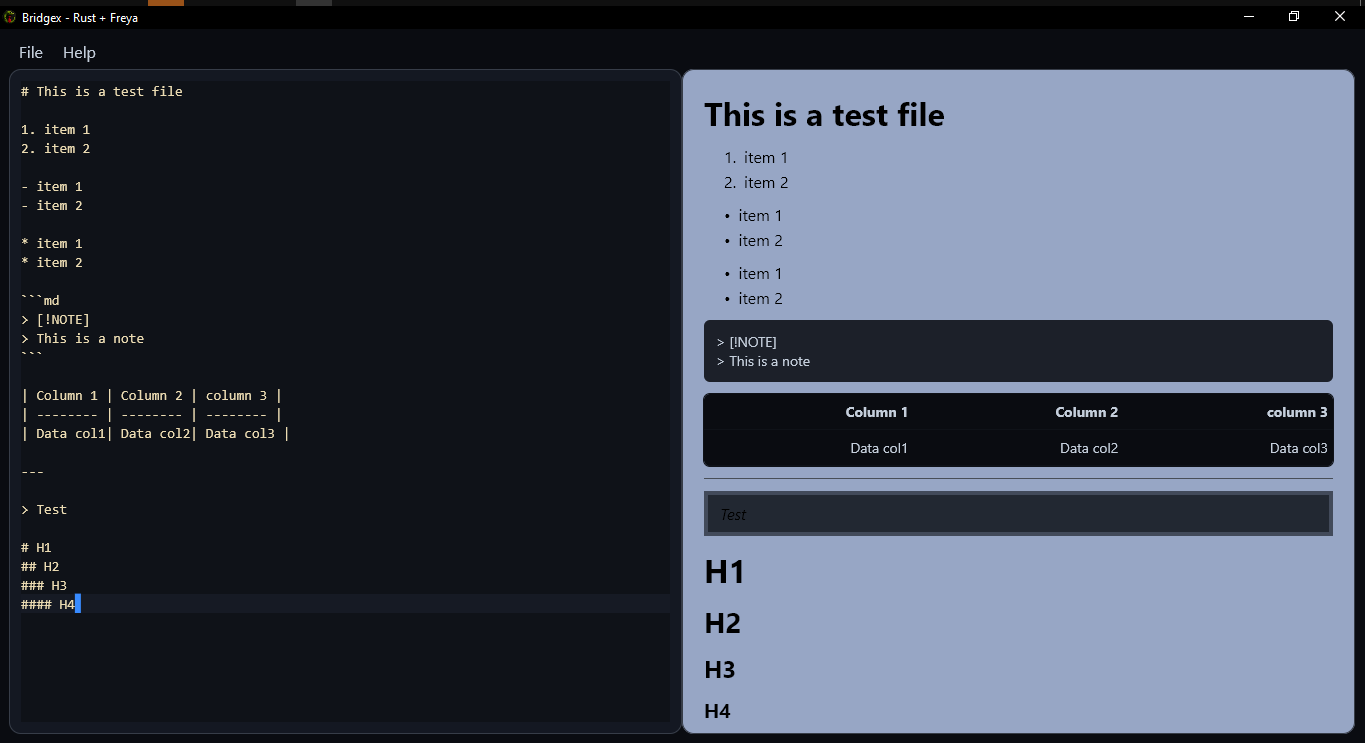 |
Requirements:
- Rust toolchain with
cargo - Recommended stable Rust version
Build and install locally from the current source tree:
cargo install --path .Install the published crate from crates.io:
cargo install bridgexRun directly from source:
cargo run --releaseFor a release build:
cargo build --release
./target/release/bridgexOn Windows and macOS, install the compatible PyPI wheel:
pip install bridgexRun the installed command:
bridgex(If needed, you can also run it with python -m bridgex.)
On Linux, use the prebuilt Linux binary from SourceForge instead of PyPI:
https://sourceforge.net/projects/bridgex/
Although Bridgex is implemented in Rust, the repository also includes Python packaging metadata to preserve compatibility with pypi.org as a secondary distribution target for Windows and macOS wheels.
Clone the repository and run Bridgex locally:
- Clone the repository.
git clone https://github.com/Dev2Forge/bridgex.git- Navigate to the project directory.
cd bridgex/src/bridgex- Build and run the application.
cargo run --release- To install the binary locally:
cargo install --path .- Run the application from the terminal or the installed binary.
- Select the file to convert.
- Review and edit the Markdown result.
- Save the file in Markdown format.
Bridgex currently supports opening and converting the following file formats:
- Excel (
.xlsx,.xls) - Word (
.docx) - PowerPoint (
.pptx) - PDF (
.pdf) - HTML (
.html,.htm) - Images (
.jpg,.jpeg) - CSV (
.csv) - RSS / XML (
.xml,.rss,.atom) - ZIP archives (
.zip)
Bridgex is not an IDE, text editor, Markdown editor, or full document viewer. It is designed to bridge users to Markdown conversion with lightweight editing and a simple interface.
Check the published versions and release notes in the Releases section of the repository.
This project uses third‑party libraries with their own licenses. See the third-party folder for details.
Contributions are welcome. Please open an issue or pull request following community best practices.
Distributed under the GPLv3 Licence.
©2025–2026 Dev2Forge
