
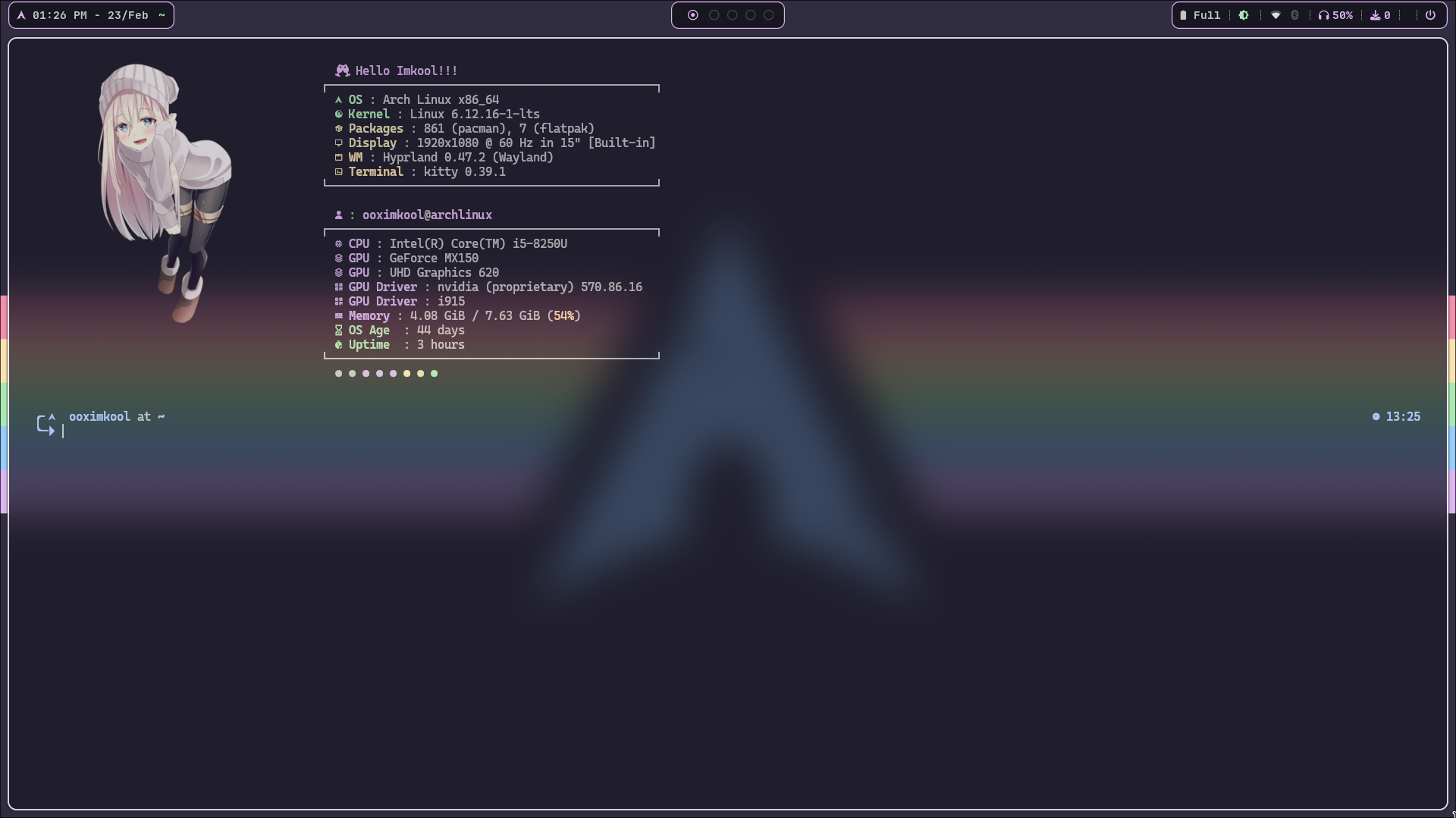
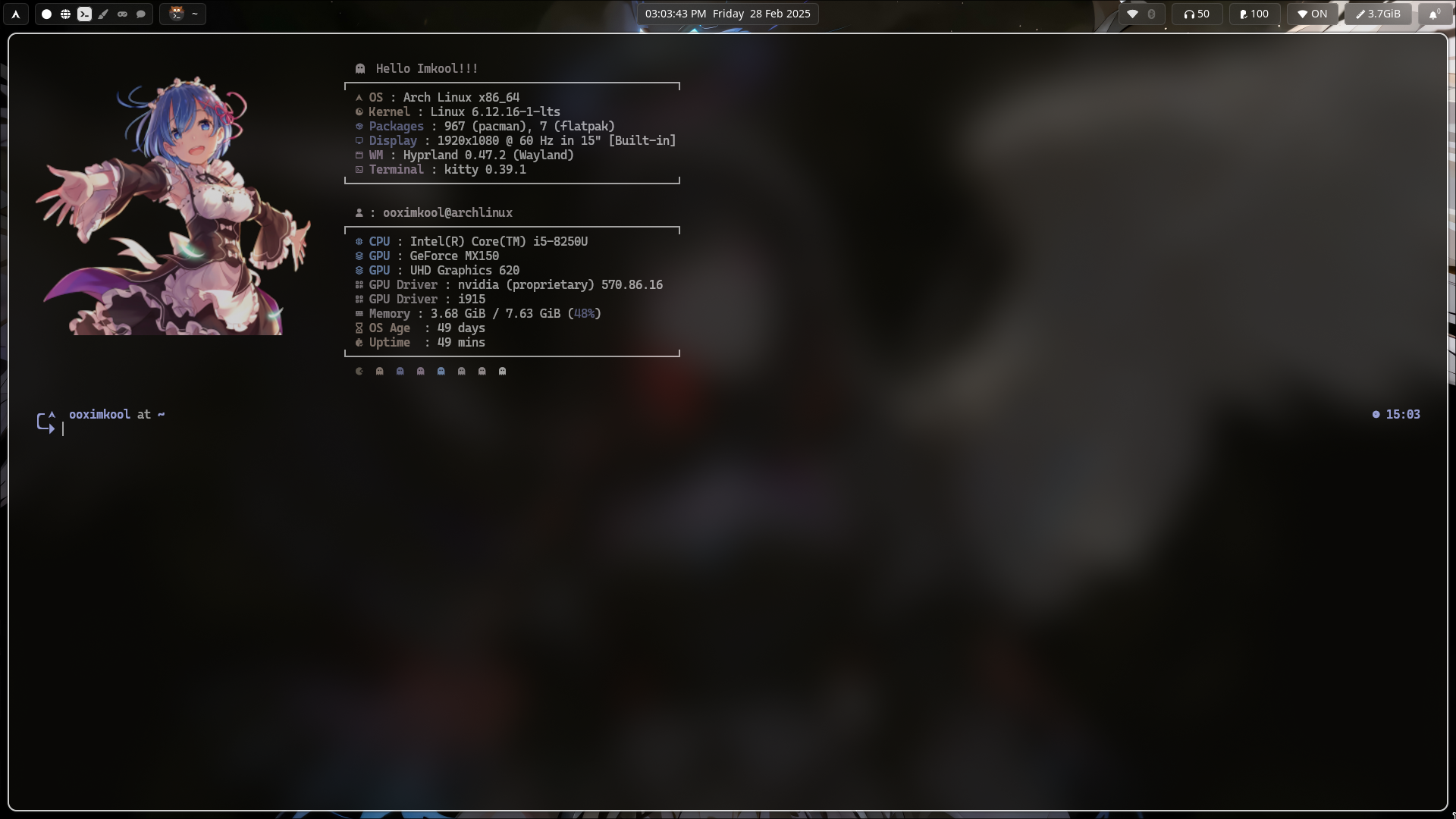
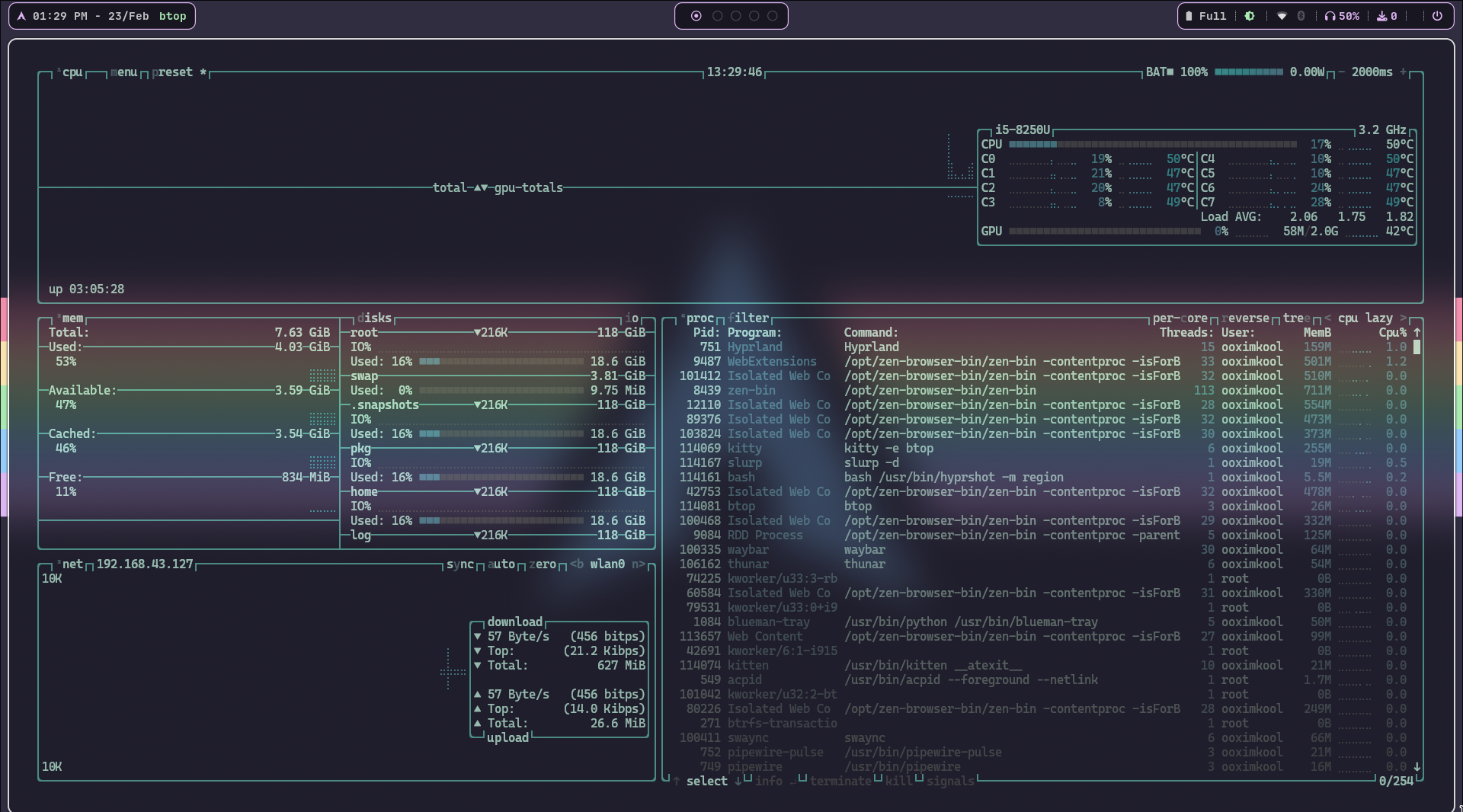
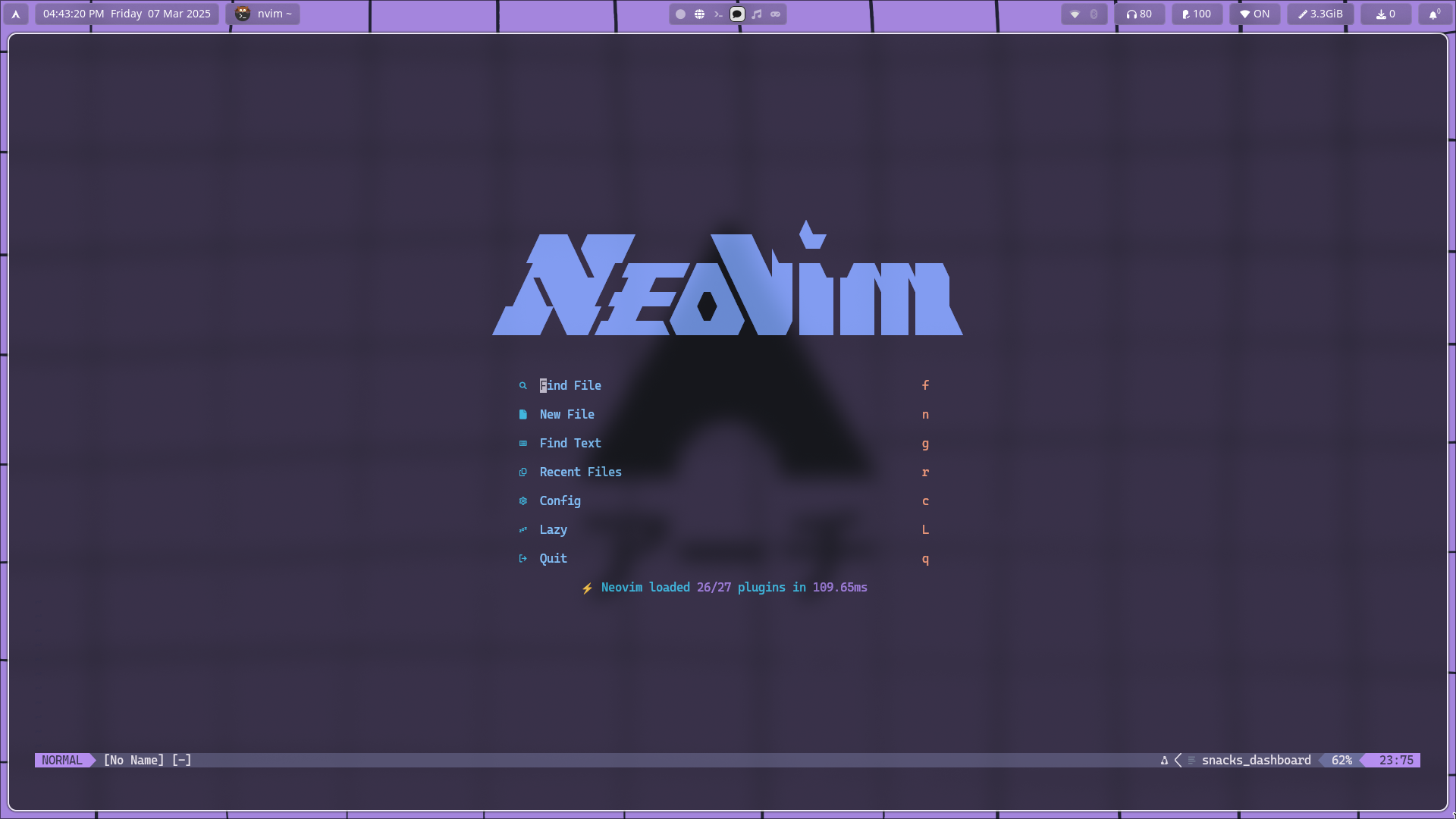
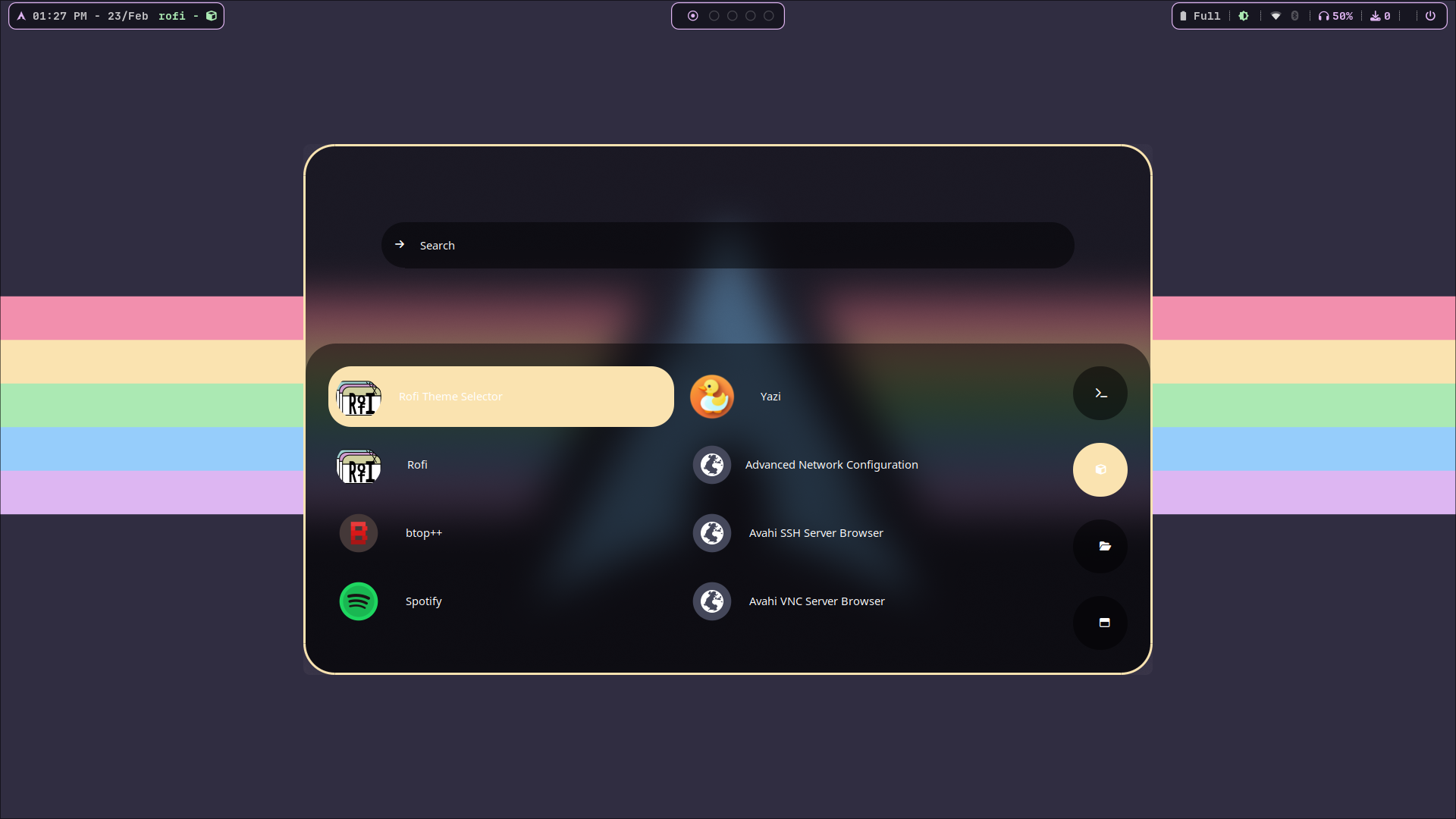
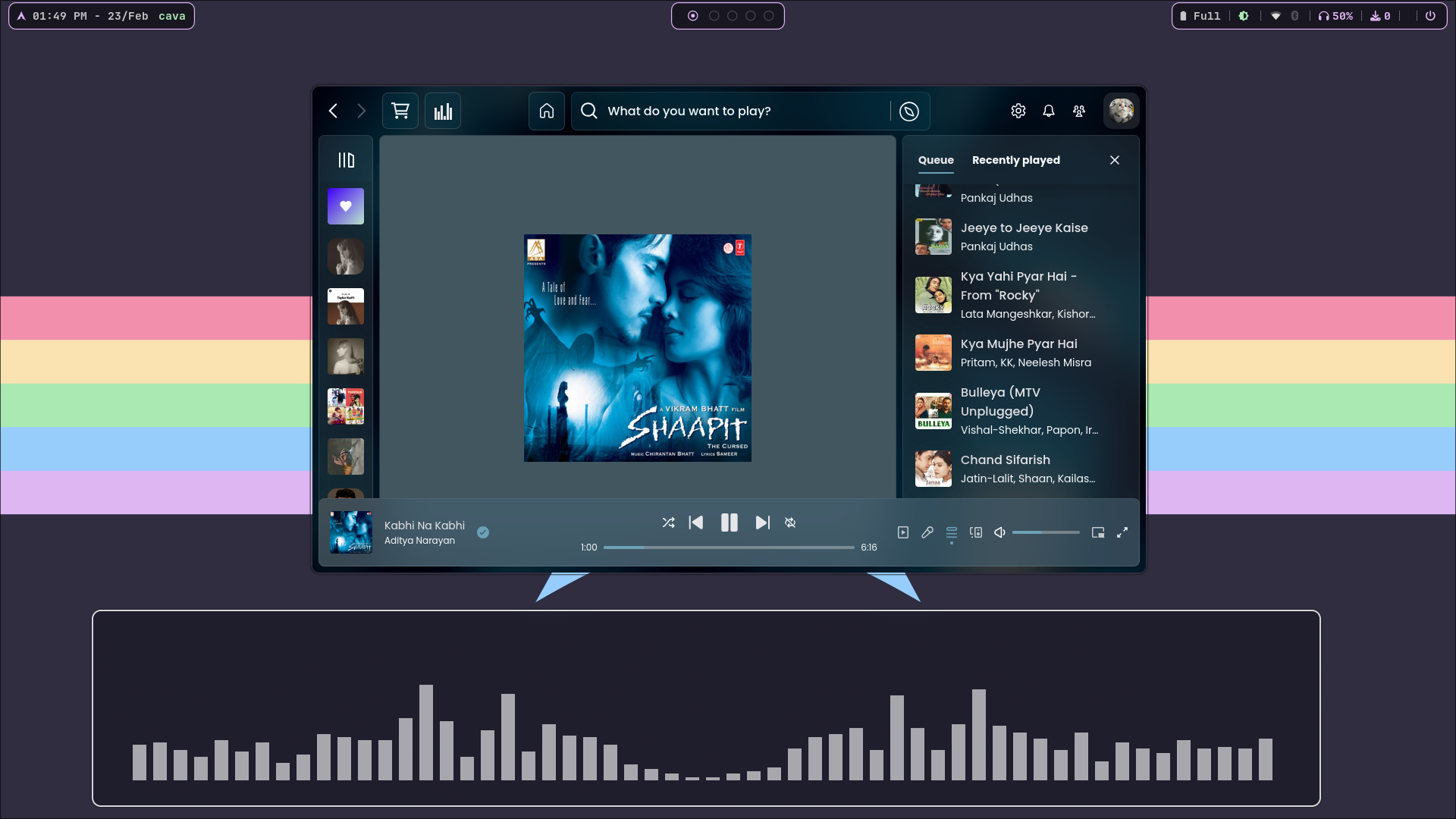
Welcome to my dotfiles repository! This is where I store my personal configurations for Arch Linux with Hyprland and other tools I use daily. Feel free to explore, fork, or use them as inspiration for your own setup.

- ✅ Hyprland Setup - Minimal, beautiful, and highly customizable
- ✅ GTK & Qt Theming - Consistent look across applications
- ✅ Waybar, Rofi, Wofi - Custom launchers and status bars
- ✅ Neovim & Micro - Optimized terminal editors
- ✅ Fish Shell & Starship - Modern shell experience
- ✅ Tmux, Ranger, Yazi - Productivity-focused tools
- ✅ Automated Install Script - Restore setup quickly


-
Backup Existing Configurations: Ensure you back up your current configuration files:
mv ~/.config ~/.config.backup
-
Clone the Repository:
git clone https://github.com/imkool47/dotfiles.git ~/.dotfiles
cd ~/.dotfiles
chmod +x install.sh && ./install.sh
-
Fixing Audio Related Issues:
Step 1 - Remove PulseAudiosudo pacman -Rns pulseaudio
Step 2 - Install PipeWire and Related Packages
sudo pacman -S pipewire wireplumber pipewire-pulse pipewire-alsa
Step 3 - Restart Your System
Step 4 - Verify PipeWire is Running after restating
systemctl --user status pipewire
dotfiles/
├── backgrounds/          # Wallpapers and backgrounds
├── btop/                 # Btop system monitor config
├── cava/                 # Cava audio visualizer config
├── fastfetch/            # System fetch tool config
├── fish/                 # Fish shell configuration
├── fonts/                # Custom fonts
├── gtk-2.0/              # GTK2 theme settings
├── gtk-3.0/              # GTK3 theme settings
├── gtk-4.0/              # GTK4 theme settings
├── htop/                 # Htop process viewer config
├── hypr/                 # Hyprland window manager config
├── imkool/               # Personal scripts/configs
├── kitty/                # Kitty terminal config
├── Kvantum/              # Kvantum theme engine settings
├── lsd/                  # LSD (better ls) config
├── micro/                # Micro terminal text editor config
├── nvim/                 # Neovim configuration
├── nwg-look/             # GTK theming tool config
├── qt5ct/                # Qt5 theme settings
├── qt6ct/                # Qt6 theme settings
├── ranger/               # Ranger file manager config
├── rofi/                 # Rofi app launcher config
├── rofi.ooximkool/       # Custom Rofi theme
├── Screenshots/          # Screenshots of my setup
├── sddm/                 # SDDM login manager theme
├── swaync/               # SwayNC notification manager
├── tmux/                 # Tmux terminal multiplexer config
├── wal/                  # Pywal colorscheme config
├── waybar/               # Waybar status bar config
├── waypaper/             # Wallpaper manager
├── wlogout/              # Logout menu config
├── wofi/                 # Wofi application launcher config
├── xsettingsd/           # XSettings daemon config
├── yazi/                 # Yazi file manager config
├── aur-packages.txt      # List of installed AUR packages
├── packages.txt          # List of installed pacman packages
├── install.sh            # Automated installation script
├── spiceitfy.sh          # Spotify theming script
├── starship.toml         # Starship prompt config
├── Backup-starship.toml  # Backup of Starship prompt config
├── pavucontrol.ini       # PulseAudio volume control settings
Feel free to submit pull requests or open issues if you have suggestions to improve these dotfiles.
- ML4W
- JaKooLit
- HyDE